
Reviewed by: BloxFruitsCode editorial team
Update pattern: Live stock refresh with visible timer tracking
Use the Normal and Mirage panels above to see the latest stock feed, its last-updated time, and the next restock countdown. Normal stock refreshes every 4 hours; Mirage stock refreshes every 2 hours. If the in-game stock has changed but the timestamp has not, wait a few minutes and reload before deciding a fruit is unavailable.
Normal Stock
Last updated: Oct 22, 18:06 UTC May lag by up to 6 min
-
 Flame UNCOMMONBeli 250,000 Robux 550
Recent Stock History
| Date & Time | Fruits in Stock |
|---|---|
| Oct 22, 08:06 UTC |
 Flame
Flame
|
| Oct 22, 04:06 UTC |
 Spring
 Sand
Sand
 Rubber
 Creation
 Dough
Dough
|
| Oct 22, 00:06 UTC |
 Blade
Blade
 Bomb
Bomb
 Ice
Ice
 Eagle
Eagle
 Diamond
|
| Oct 21, 20:06 UTC |
Spring
 Spike
Sand
Spike
Sand
 Dark
Dark
|
| Oct 21, 16:06 UTC |
 Smoke
Flame
Smoke
Flame
|
Mirage Stock
Last updated: Oct 22, 18:06 UTC May lag by up to 6 min
-
Bomb COMMONBeli 80,000 Robux 220
-
Flame UNCOMMONBeli 250,000 Robux 550
-
Sand UNCOMMONBeli 420,000 Robux 850
-
Diamond UNCOMMONBeli 600,000 Robux 1,000
-
Light RAREBeli 650,000 Robux 1,100
-
 Creation LEGENDARYBeli 1,400,000 Robux 1,750
 -
Venom MYTHICALBeli 3,000,000 Robux 2,450
Recent Stock History
| Date & Time | Fruits in Stock |
|---|---|
| Oct 22, 10:06 UTC |
Bomb
Flame
Sand
Diamond
 Light
Creation
Light
Creation
 Venom
Venom
|
| Oct 22, 08:06 UTC |
Spring
Flame
Ice
Light
 Magma
Magma
|
| Oct 22, 04:06 UTC |
Blade
Bomb
Smoke
Flame
Light
|
| Oct 22, 02:06 UTC |
Blade
Bomb
Spike
Flame
Sand
Diamond
 Ghost
Ghost
|
| Oct 22, 00:06 UTC |
Blade
Spring
Bomb
Smoke
Flame
Diamond
Magma
 Spider
|
How to use this page
You should check the current fruit list first. You should check the reset timer after that. The timer matters because a fruit that is missing right now may appear after the next refresh, and a fruit that is available right now may disappear after the countdown ends. A fast stock page is useful only when the user can read the current stock, read the timer, and act before the next reset changes the page again.
If you are planning a purchase, you should read the stock first and decide quickly. If you are planning a trade instead of a purchase, you should use the stock page together with your Blox fruits values calculator because a fruit that is currently in stock may pull different trade reactions than a fruit that is missing from stock at that time.
Normal stock vs Mirage stock
Normal stock and Mirage stock are different sections with different reset cycles. You should check both before deciding that a fruit is not available. The normal stock section is the standard stock section that users usually check first when they want to see what is available in the regular LIVE cycle.
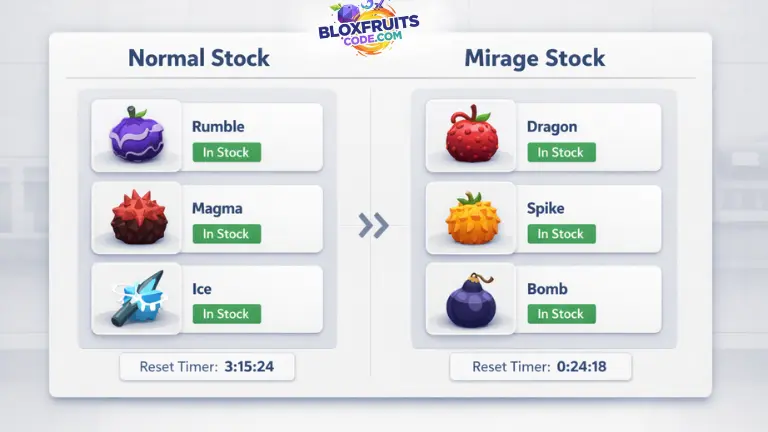
The mirage stock section is a separate stock (live) section and should not be treated as the same block because its reset pattern is different, and the fruit availability shown there can differ from the normal stock list.
A user who checks only one section can miss the fruit they are waiting for. That is why this page should always be read with both stock blocks in view, especially when a fruit is not showing in the first section, and the user is about to assume that the fruit is unavailable everywhere.
The normal stock block is the practical first check because many users begin there, but the mirage stock block is just as important when you are tracking live availability closely, and you do not want to wait for a full normal reset before checking the second stock route.
Stock reset times
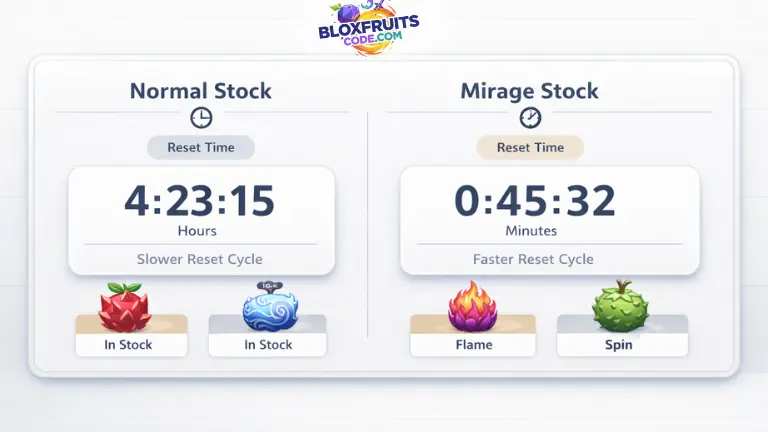
The reset timer shows how long the current stock will stay active. Normal stock refreshes every 4 hours, while Mirage stock refreshes every 2 hours. The timer tells you how long the current list stays active before the stock changes again.
The normal stock section works on a longer reset cycle. The Mirage stock section works on a shorter reset cycle. That difference changes how you should read the page. A user who is waiting for a fruit that is missing from normal stock may still want to watch the mirage timer because the next mirage refresh arrives sooner.
A user who is deciding whether to buy right now should also check how much time is left on the timer, because a fruit that has just appeared gives more action time than a fruit that is close to the next reset.
Stock reset guide
| Stock type | Reset pattern |
|---|---|
| Normal stock | Refreshes every 4 hours |
| Mirage stock | Refreshes every 2 hours |
Why the timer matters
The timer matters because the stock can change after each refresh. If the fruit you want is available and the timer is low, you should act quickly before the list changes. A user who checks the stock without checking the timer can assume a fruit will stay available longer than it actually will.
A short timer means you should act faster if the fruit you want is already in stock. A longer remaining timer gives you more time to decide, compare, or move in-game before the current list changes.
Fruits Worth Watching
Some fruits get more attention when they appear in stock because they are useful for grinding, PvP, raids, or trading. When a high demand fruit appears, players usually check faster because the stock can disappear after the next reset.
A stock page does not need a huge fruit guide here, but it should still explain why some stock appearances matter more than others. A fruit that is strong for grinding can pull quick interest as soon as it appears. A fruit that is strong in PvP can also get immediate attention. A fruit with strong trade demand can matter because some users prefer buying it from stock instead of overpaying in trades later.
A page like this becomes more useful when it does not just show stock, but also gives a little context around why some fruits are watched more closely than others.
If your fruit is not in stock
If your fruit is not in stock, check both normal stock and Mirage stock first. If the reset timer is close, waiting for the next refresh is usually better than accepting a weak trade too quickly. It is because the stock changes on a reset cycle, and the missing fruit can return after the next refresh, depending on which stock section you are watching and how close that timer already is to the next update.
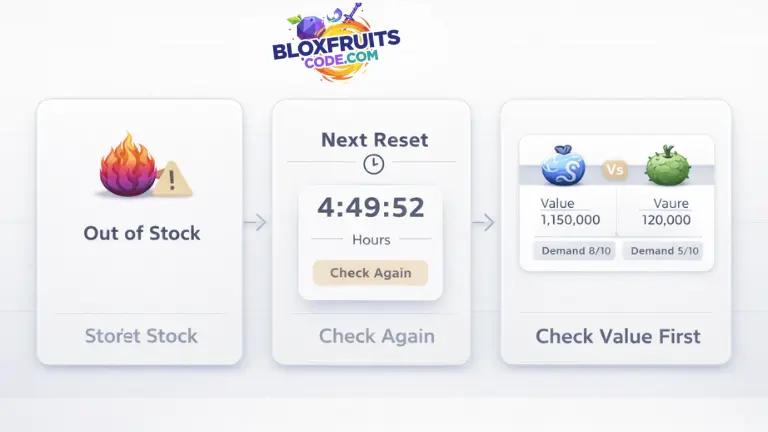
You should check both stock sections before you decide that the fruit is fully unavailable. A user who looks only at normal stock can miss a faster mirage refresh, and a user who checks only once can miss a fruit that appears again after the next cycle. The timer is part of the answer here, not just the fruit list itself.
If the fruit you want is missing and the current timer is close to reset, the best move is usually to wait for the next refresh and check again before you accept a bad trade out of impatience.
If the fruit is missing for a while and you still need it urgently, then you should compare its trade value first before entering a trade, because stock pressure can make users overpay when they stop treating the stock page and the values page as connected tools.
What to do next
- Check the next reset timer
- Check both stock sections again
- Compare value before overpaying in trades
- Wait if the current offer is too weak
What does this page not do?
This page does not predict future stock, reserve fruits, read your inventory, or replace the final in game check after a reset. This page does not read your inventory. This page does not replace the final in-game check after the stock refresh changes.
How is this page checked?
This page is checked as an independent Blox Fruits stock reference. The stock list, timestamp, and reset timer should be read together because the result can change after the next refresh.
The stock blocks on the page are tied to live refresh timing and visible stock output, which is why the page shows a last checked time together with the countdown that tells you how long the current stock remains before the next change.
The stock page should be read as a live reference page, not as a fixed page that stays the same all day. A stock result that is correct right now can change after the next timer ends, which is why the timestamp and the reset timer matter just as much as the fruit names shown on the page.
This page is not an official Blox Fruits page. This page is an independent fan reference page built for live stock checking.
Quick stock reading table
| Situation | What to check first |
|---|---|
| A fruit is missing from the normal stock | Check Mirage stock and the next timer |
| A fruit is available right now | Check the remaining timer before waiting |
| A reset is close | Refresh after reset before changing your plan |
| A trade looks expensive because the stock is missing | Check the values page before accepting |
FAQs
When does Blox Fruits stock reset?
The page should be read through the timer shown next to each stock section. The normal stock block resets on its own cycle, and the mirage stock block resets on a shorter cycle, so the next reset depends on which stock section you are checking and how much time is left on that timer when you open the page.
How often does Mirage’s stock change?
The mirage stock block refreshes more frequently than the normal stock block, which is why users waiting on a missing fruit should not ignore the second timer and should keep checking the mirage section instead of assuming the next useful refresh is far away.
Is the stock the same for all players?
This page is built as a live stock reference page, so the purpose here is to show the current stock output that the page is tracking. A user should still treat the page as a live reference page and should verify in-game if a reset has already passed since the last check shown on the page.
Why is my fruit missing from stock?
A fruit can be missing because it is not in the current stock cycle shown on that section of the page. A user should check whether the fruit is missing from normal stock, from mirage stock, or from both sections, and should then compare the timer before deciding whether to wait or move to trade options.
Why did the stock change after I checked?
The stock can change after you check the page because the page is tied to live reset timing. A stock result can be correct at one moment and then change after the timer finishes, which is why the timestamp and the countdown need to be read together.
Should I buy now or wait for the next reset?
A user should usually buy now if the fruit is already available and the fruit is the one the user has been waiting for, because the current stock can disappear after the next reset. A user may wait for the next reset if the current stock is weak and the timer is already close to the next refresh.
Related pages
If you want to compare buying and trading, check Blox Fruits Values or use the Blox Fruits Trade Calculator before accepting an offer, and continue to Blox Fruits Values because stock and trade value naturally connect in real user behavior.
If you want to compare both sides of a live trade before accepting it, use the Blox Fruits Trade Calculator because users who miss a fruit in stock sometimes move straight into trade comparison next.
You can also continue into broader fruit guides, such as Best Fruits for Grinding in Blox Fruits and Complete PvP Fruit Guide for Blox Fruits, if you are deciding whether a fruit is worth buying when it appears.
Reference note
This page is an independent Blox Fruits stock reference page. The stock shown here is tied to live page checks and reset timing.
